Every track of your mix, next to the reference
Re-Blocks puts your whole session on the same spectrum as the song you're chasing. You drag, you listen, you decide. Coming soon for Windows and macOS.
Re-Blocks beta. Details may change before launch.
Re-Blocks 1.0 · VST3 and AU · 64-bit · Windows and macOS
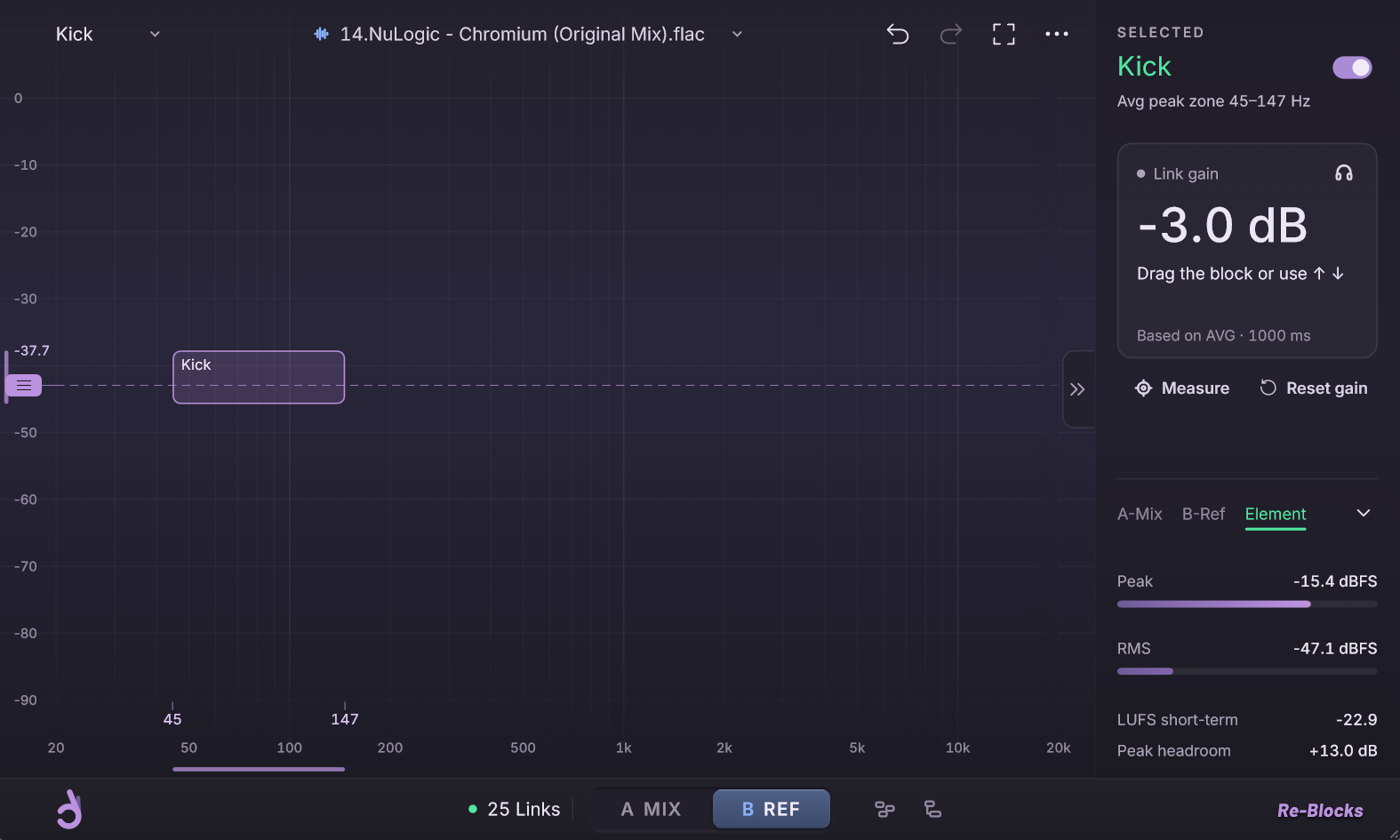
Re-Blocks stands for reference blocks. Each track of your mix becomes a block on the same spectrum as the reference. You set every level yourself, then switch between A MIX and B REF to compare your mix with the reference.
Fig 0.1
A Link at the end of every track
Re-Blocks Link goes last in each track's plugin chain, after all the processing, so Re-Blocks on the master sees every track exactly as you hear it.
Fig 0.2
One reference, calibrated
Drop in a song and loop any 10 to 20 seconds of it. It plays at −10 dB, the level your blocks are measured at.
Fig 0.3
Blocks you drag
Move a block and that track's level moves with it. Your DAW faders stay free for automation.
Hear one mix before and after
The same session played twice at the same loudness. Only the track levels changed, so you hear the balance and nothing else.
Drum & bass session
What changed
Link gainOnly levels changed. No EQ, no compression. 8 of the session's 18 tracks shown.
Notes on mixing against a reference
Short, practical guides on levels, references and balance, written for producers who mix their own tracks.
All guidesThe team behind Decent Audio Tools
The people behind our plugins. Every build is tested on real sessions before anyone else gets it.
About us







Be first to try Re-Blocks
Leave your email to hear first when it launches and get it for €19 instead of €29.